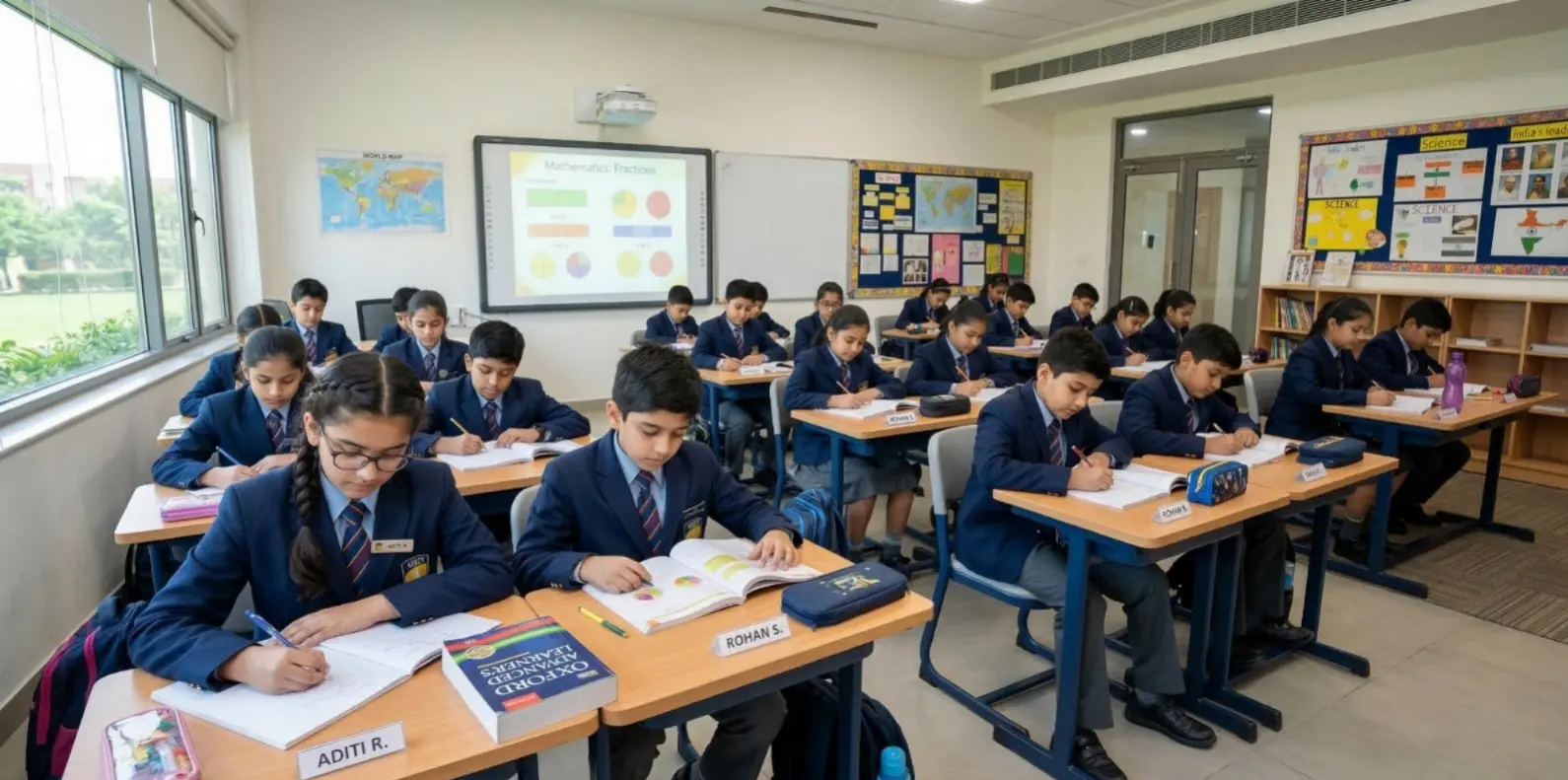

If your child is curious about technology, now is a great time to begin. This guide rounds up the best coding platforms for kids to learn and explore, covering options for complete beginners, playful game-making tools, visual block editors, and text-based languages like Python and JavaScript. You’ll find picks that support coding for beginners, self-paced lessons to learn to code online, and structured coding courses for children. We also highlight STEM learning for kids through real projects so young learners build problem-solving and creativity alongside code.
What Makes a Great Kids’ Coding Platform?
- Age-appropriate design and pacing
- Short, interactive lessons with instant feedback
- Project-based learning (games, stories, art, robots)
- Clear paths from blocks to text (Scratch → Python/JS)
- Safe community features and parental/teacher dashboards
- Affordable pricing or generous free tiers
- Rich teacher resources and coding tutorials for beginners
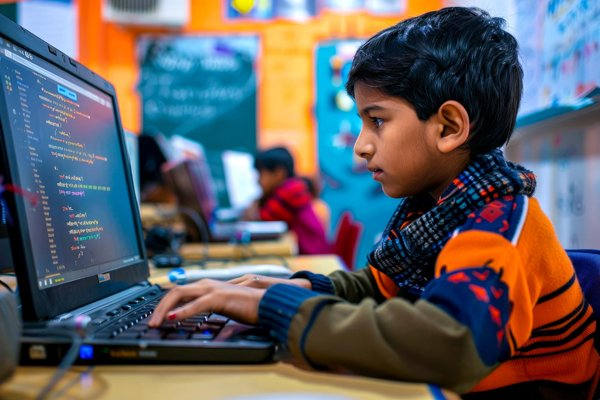
Top Categories and Standout Platforms
The following are some of the popular types of kids coding websites and platforms, which span across interests and age. This should be a map that you use to select the correct starting point and growth path.
- Visual Block Coding (Ages ~6–10)
- Game-Making and Creativity Platforms (Ages ~7+)
- Robotics and Physical Computing (Ages ~7+)
- Transition to Text: Python and JavaScript (Ages ~10+)
- Structured Courses and Guided Pathways
Visual block editors are ideal to learn coding for kids because children snap together blocks instead of typing code. They learn core logic, loops, events, and conditionals without syntax errors. Look for guided puzzles, creative studios, and unplugged activities.
Game engines and story-makers let kids build interactive projects and share them. They foster design thinking, debugging, and perseverance while keeping motivation high, perfect for fun STEM learning for kids.
Kits combining code with hardware (sensors, LEDs, motors) are great for hands-on learners. Children write programs to animate robots, measure the environment, or trigger actions, bridging digital logic with the physical world.
When children are ready, choose platforms that gradually move from blocks to text. Python is especially friendly for coding for beginners thanks to its readable syntax and real-world libraries. JavaScript unlocks web projects such as animations, mini apps, and simple websites, ideal to learn to code online.
If your child thrives with structure, look for platforms that offer tracks, checkpoints, and certificates. These often include project rubrics, quizzes, and community showcases, useful for monitoring progress in coding courses for children.
Top Free vs Paid Coding Platforms for Kids
Free platforms are a great way to begin, especially for early learners. Visual coding sites like Scratch or Blockly Games offer open access to projects, while paid options such as Tynker or CodeSpark provide structured pathways and teacher support. Free tools encourage experimentation, but paid programmes often include tracking, lesson plans, and community moderation that help sustain learning consistency. Parents can start with a free tier and upgrade once they see sustained interest.
Why Coding Builds Future Skills
Computers are not the only important thing about learning to code; it teaches important life skills. Coding enables children to reason and deconstruct problems, and develop solutions in stages. Coding trains kids in teamwork, ingenuity and tenacity. They are also exposed to new digital devices which make them more communicative and innovative. In the automatized and technologically advanced world, it is recommended to learn to code at an early age to help them deal with the tasks and challenges of tomorrow.
Common Mistakes Parents Make When Choosing a Coding Platform
- Starting too complex: Jumping directly into text-based programming before mastering block logic can overwhelm young learners.
- Ignoring interest alignment: Some kids prefer games, others robotics or art; choose what excites them.
- Focusing only on certificates: Real learning happens through building, not just completing levels.
- Skipping consistency: Sporadic coding practice won’t build skills; regular short sessions work best.
- Overlooking feedback: Look for platforms that give real-time guidance instead of static tutorials.
How to Choose the Right Platform
- Match age and reading level – Pick blocks for early readers; move to Python/JS when typing is solid.
- Start with interests – Games, art, robots, or web; motivation is key.
- Ensure support – Step-by-step hints, example projects, and templates help beginners stick with it.
- Favor projects – Platforms that end units with shareable projects keep kids engaged.
- Prioritize safety – Young users need moderated sharing and privacy-first settings.
- Budget smart – Begin on free tiers; upgrade only if your child keeps returning.
Ready to begin coding with your child? Take a visit to EuroSchool and check out age-friendly and fun learning programs.
Do you want to do kids coding websites, kids guided coding sites, or kids structure coding courses? It is the one that your child likes and revisits. Begin with the easy stuff, create some projects, and follow curiosity. The right pathway would enable young learners to acquire online learning on how to code comfortably and progress to real Python and Java as well.